What information is needed?
ZIP codes, vehicle details, desired date, transport preference and contact information. Street addresses can be added when known.
Short explanations, visual guides and account tools for the parts of auto transport that customers ask about most.

ZIP codes, vehicle details, desired date, transport preference and contact information. Street addresses can be added when known.
The request may be referred to a preferred transport partner. If that partner cannot fulfill it, the request may be referred to a limited number of additional eligible transport providers.
Confirm the vehicle condition, take photos, remove valuables and make sure the agreed pickup contact is available.
Inspect the vehicle before signing final condition documents and compare it with your pickup photos.
Use the Customer Account for messages, notifications, changes, reviews and history, or use Track for a quick status lookup.
Yes. Signed-in customers can submit a change or cancellation request from the dashboard.
Approved business accounts centralize organization-level transport-request visibility.
Providers apply separately, then go through eligibility review before portal access and lead opportunities are activated.
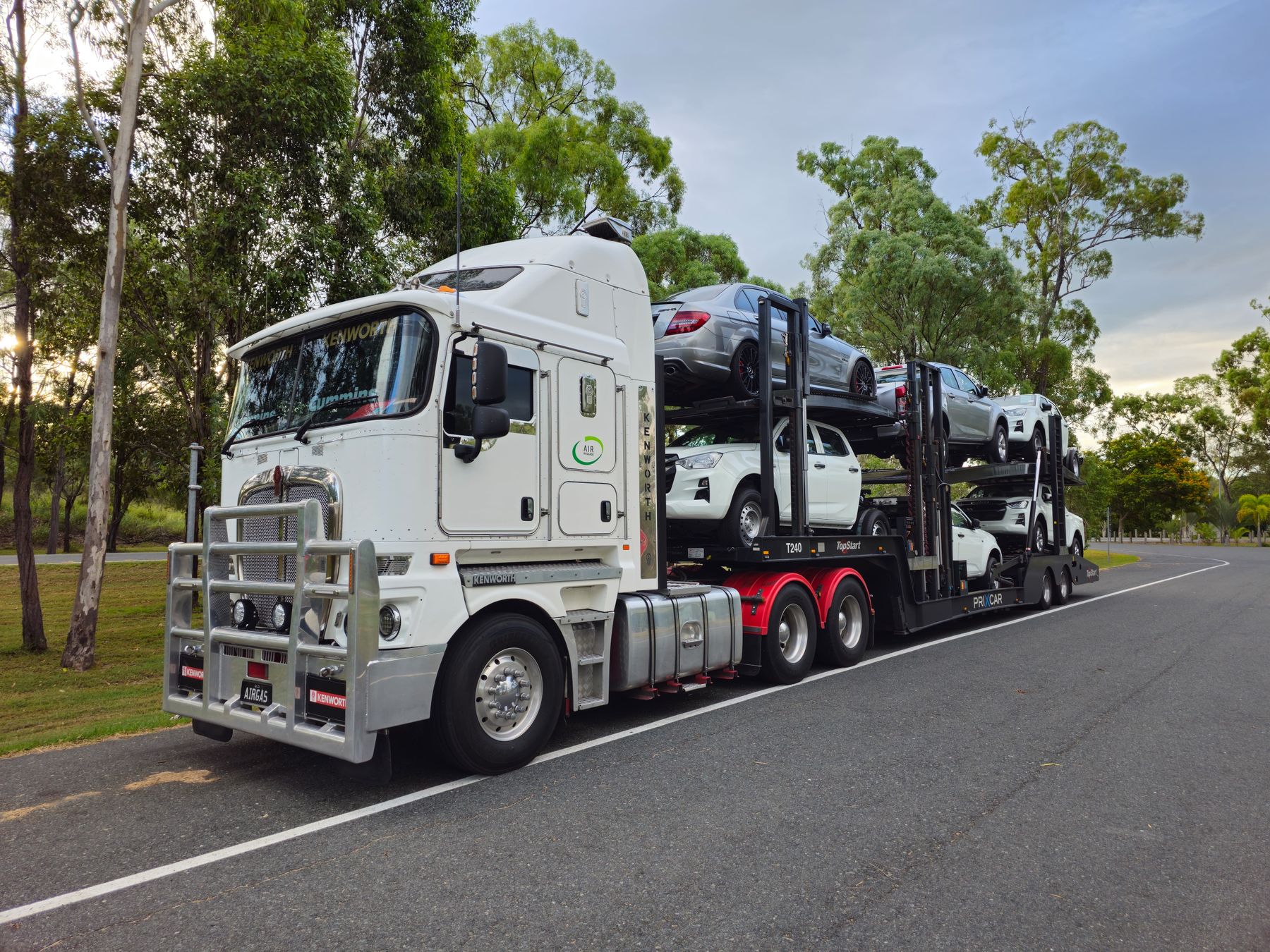 OPEN TRANSPORTSee the most common equipment.
 ENCLOSEDCompare added road protection.
 PICKUP & DELIVERYKnow what to inspect.